Computing
Curriculum vision statement
At St Jérôme, children experience computing as a practical, creative and purposeful subject. Computing lessons give children opportunities to solve problems, build digital confidence, work collaboratively and talk clearly about their ideas, choices and solutions.
Our curriculum is built around three connected strands: computer science, information technology and digital literacy.
- In computer science, children develop logical thinking, sequencing, pattern spotting, debugging and programming skills.
- In information technology, they learn how to use digital tools to create, organise, present and improve their work.
- In digital literacy, they learn how to use technology safely, respectfully, responsibly and critically.
Online safety is taught throughout the curriculum. Children learn how to protect their identity, question online information, communicate appropriately and seek help when something feels wrong.
By the end of their time at St Jérôme, children are working towards becoming confident, responsible and creative users of technology. They should be able to explain how digital systems work, create digital content for different purposes, solve problems using computational thinking, and make safe choices online. Our aim is that children leave primary school ready to participate actively in a digital world.
How is computing taught at St Jerome?
Computing is taught through a sequenced curriculum, adapted from Teach Computing, and through meaningful use of technology across school life. Children learn through modelling, guided practice, discussion and practical tasks. Lessons include opportunities to plan, test, debug, improve and explain their work. Oracy is embedded by asking children to use subject vocabulary, discuss strategies, justify choices, present outcomes and evaluate digital work with others.
How is children’s learning in computing assessed at St Jerome?
Children’s learning in computing is assessed through questioning, observation, discussion and review of their digital projects. A specialist teacher looks at how well children use key vocabulary, apply taught skills, solve problems, debug, explain their choices and use technology safely and responsibly. In creative projects, children help build clear success criteria as part of the learning journey. These criteria are then used to guide, review and improve their work. Assessment focuses not only on the final product, but also on children’s thinking, independence, collaboration and ability to evaluate and refine their ideas.
Computing Curriculum Map
|
Michaelmas Term |
Epiphany Term |
Trinity Term |
||||
|
Reception |
Computing goals are integrated in 7 areas of EYFS development |
|||||
|
Year 1 |
Staying safe online Uses of technology Digital painting |
Moving a robot Grouping data |
Writing digitally Programming animations |
Staying safe online Debugging programs |
Digital music making Using loops for repetition |
Staying safe online Organising files |
|
Year 2 |
Staying safe online Information technology around us |
Digital photography Code revision |
Robot algorithms |
Using pictograms to show data |
Digital music |
Staying safe online Programming using selection |
|
Year 3 |
Staying safe online Connecting computers through networks |
Digital animation |
Sequencing sounds |
Using branching databases |
Digital literacy - desktop publishing |
Staying safe online Using events to create interactive programs |
|
Year 4 |
Staying safe online The internet and how it works |
Audio production |
Types of repetition in computer science |
Data logging Staying safe online |
Photo editing |
Staying safe online Using repetition in games |
|
Year 5 |
Staying safe online Understanding computer systems |
Internet research methods Using selection in programming |
Video production |
Creating graphics |
Using selection in quizzes |
Staying safe online Digital portfolio production |
|
Year 6 |
Staying safe online Communication and collaboration online |
Creating web pages |
Using variables to create games |
Spreadsheets Infographics |
Creating animations |
Staying safe online Digital portfolio production |
Computing Learning Gallery
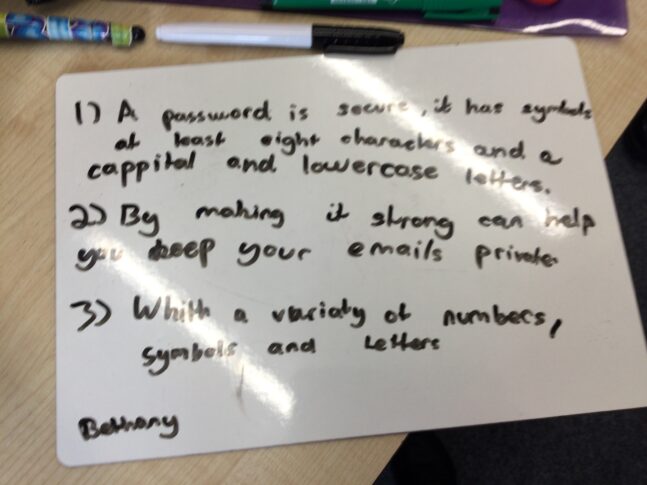
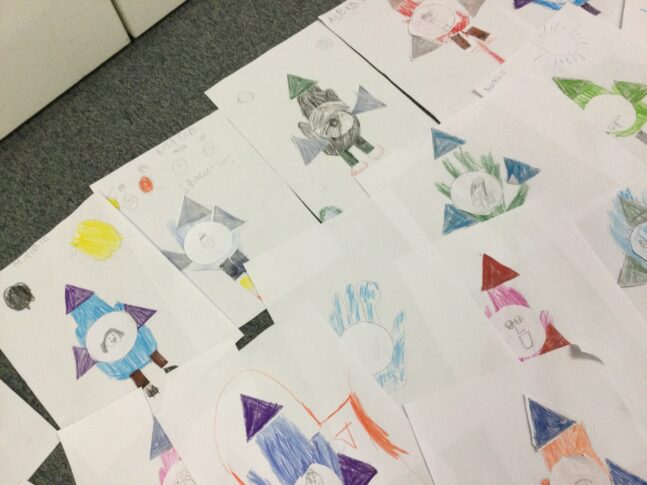
Offline work is essential, helping students understand computing concepts before they use jump onto a machine!
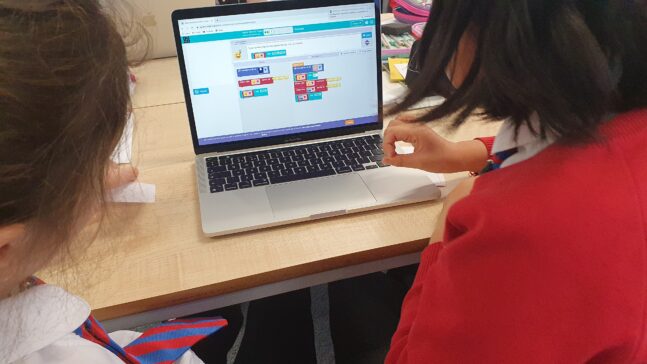
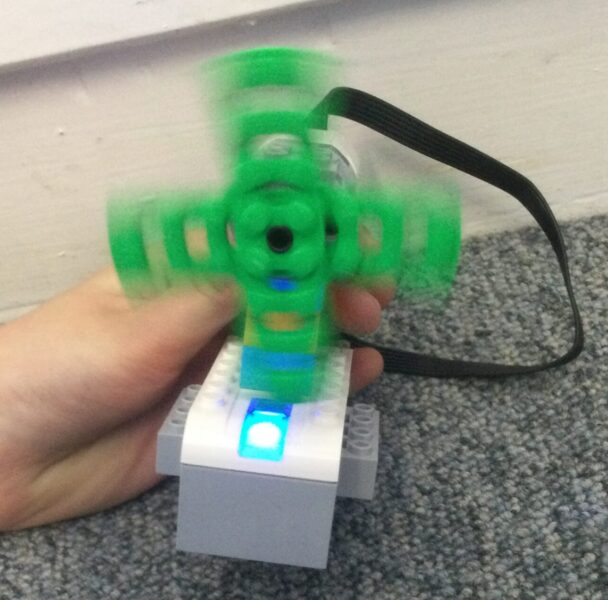
We love to code using the Blockly coding language. This language is used in Scratch Jnr, Scratch, Micro:bit and also Lego WeDo. It’s a powerful and accessible language based on JavaScript. Using Blockly, we can create physical working prototypes of technology working for good.
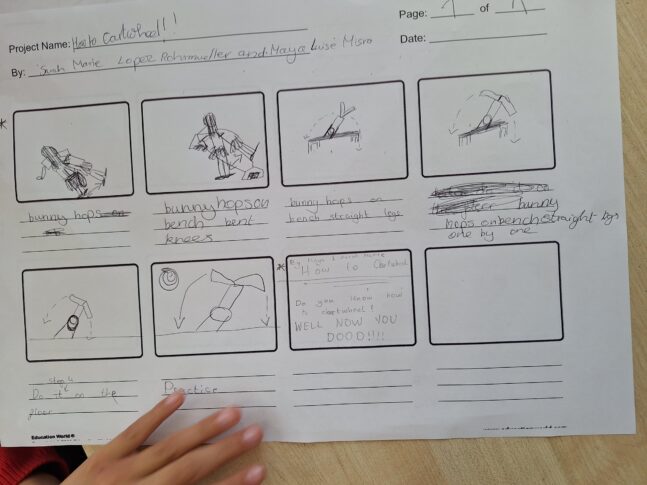
We use film to promote digital literacy.
What Our Students Say About Computing:
“I love using the iPads in class because we get to play fun learning games and make our own projects. We learn how computers work and make them do things!”
Year 2 Student
“We learn how to program robots and create our own games. It’s exciting to see what we can make with technology.”
Year 4 Student
“The MacBooks are really good. We get to work on Google Classroom and do fun challenges that help us think and solve problems.”
Year 5 Student
“It’s important that we learn how to use technology safely. Learning about digital safety makes me feel confident when I’m online.”
Year 5 Student
“Computing lessons are my favourite because we get to be creative and make cool projects. I love that we can use what we learn to help each other and share our ideas.”
Year 6 Student